Get a Quote

iPad Battery Draining Fast: How to Fix It

If your iPad battery is draining fast, it can be very frustrating. A quickly dying battery means you can’t use your device for long without charging. Luckily, there are simple ways to fix this problem. First, check your screen brightness and lower it if needed. Close apps running in the background, as they use power [...]
2026-01-06T12:01:30+00:00September 2nd, 2025|ipad|0 Comments

iPad Stuck on Low Battery Symbol: How to Fix it?

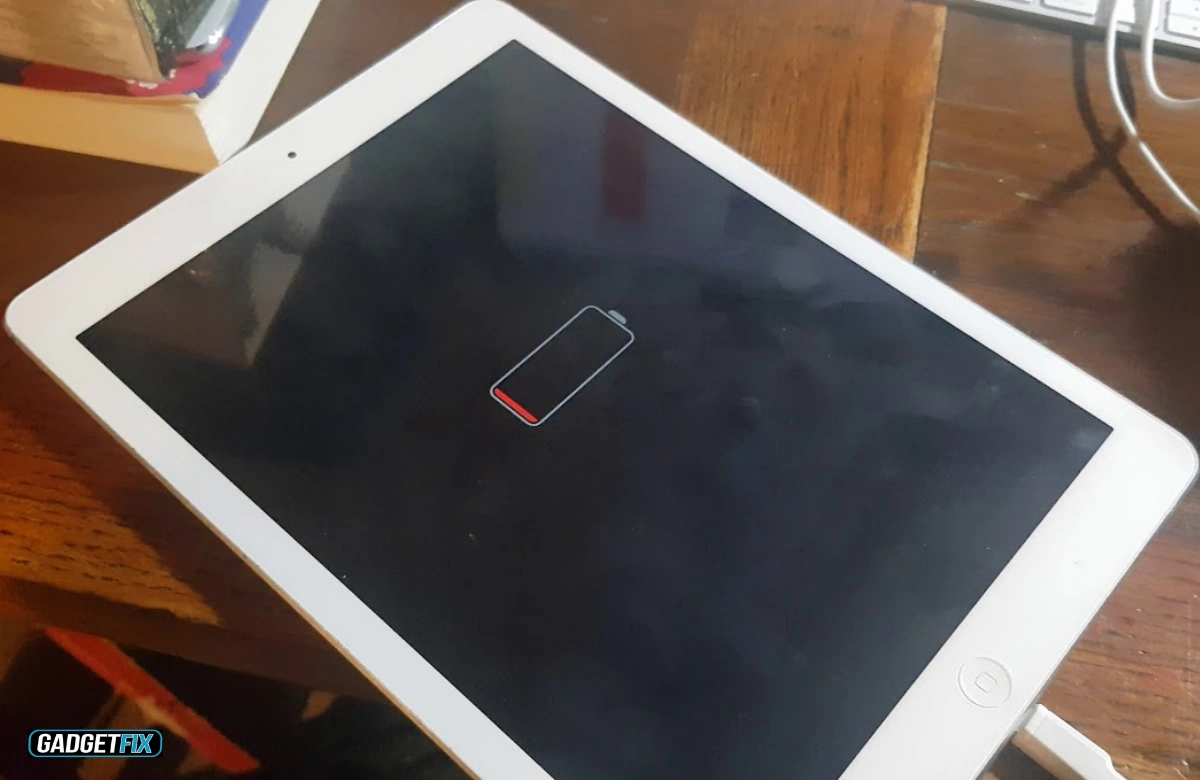
If your iPad won’t turn on and shows a red battery symbol, this usually indicates a completely drained battery or an underlying charging issue. First, connect it to the wall outlet with the original Apple charger for at least an hour. If nothing changes, check your cables, adapters, and charging connections for signs of damage [...]

2025-07-02T11:05:04+00:00July 2nd, 2025|ipad|0 Comments

How to Repair an iPad 6th Generation Screen?

When your iPad screen cracks or becomes unresponsive, it can disrupt your daily routines, especially if you rely on it for both work and entertainment. Step one to fix this issue is to power off the device to prevent short circuits when disconnecting internal components. Next, gently heat the edges of the screen to loosen [...]

2025-05-30T09:53:14+00:00May 30th, 2025|ipad|0 Comments

How to Fix an iPad That Won’t Turn On After Water Damage

Is your iPad not responding after water exposure? Don’t give up just yet. You can still recover it by acting promptly. Start by shutting it down immediately. Then, remove all accessories, and dry your iPad with silica gel. Wait for 2 to 3 days until the moisture is fully absorbed, test it with a different [...]

2025-04-30T12:36:01+00:00April 30th, 2025|ipad|0 Comments